
Introduction
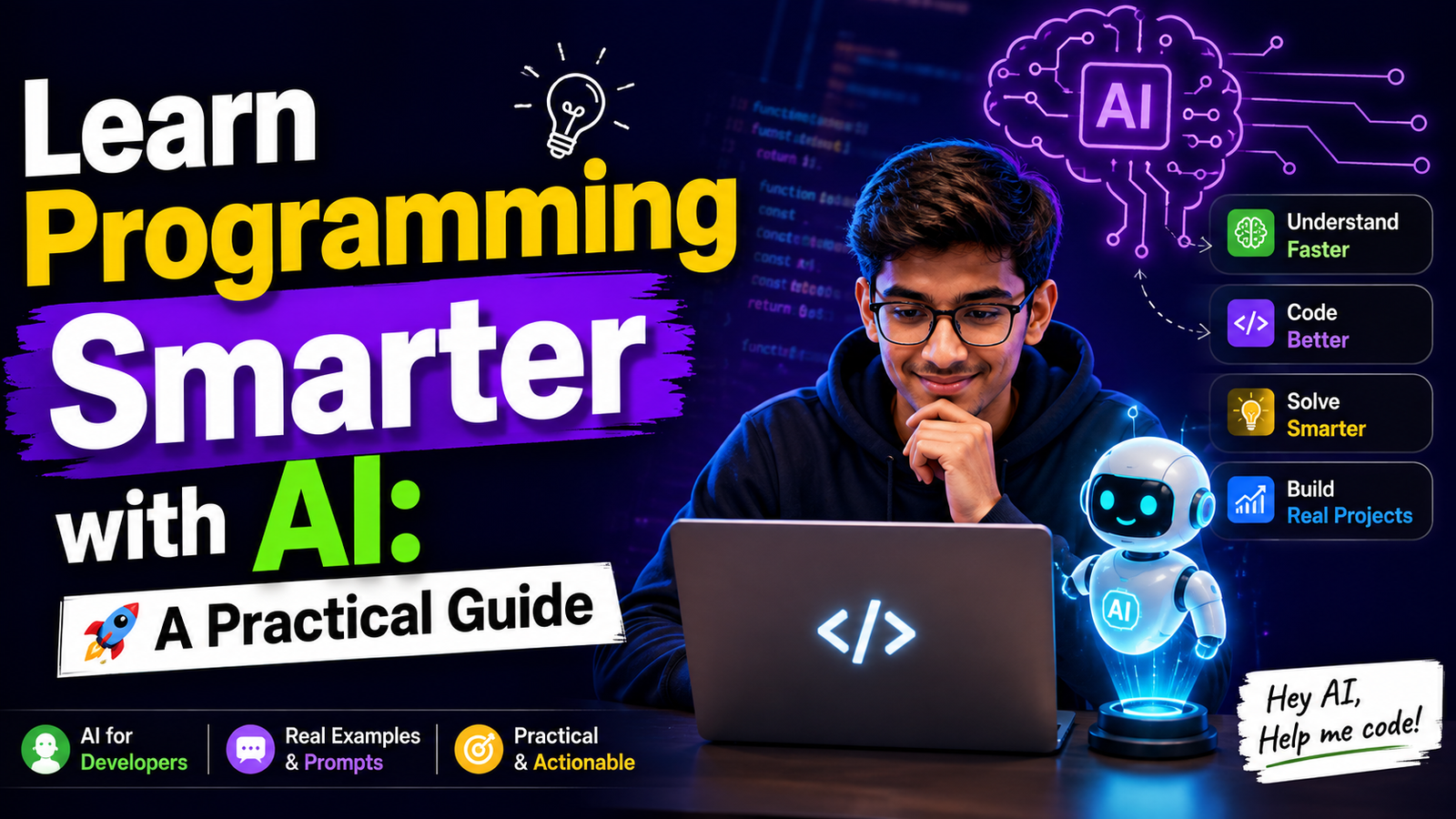
Learn Programming Smarter by using AI as a partner to help you learn rather than relying on it to do all the work. AI has really changed how people learn to code there are tools like ChatGPT, Gemini, Claude etc. that can help you understand concepts, find mistakes, create, practice questions and give you feedback right away.
Many beginners make the mistake of depending on AI for every programming problem. They copy the code that AI generates run it and then move on to the thing without really understanding what is going on so, even though they might finish tasks quickly but they will struggle when they have to solve a problem by themselves. The good thing about AI is that it can help you learn and understand things better than just doing the thinking for you.
Think AI is like a teacher that adjusts to how much you know you can ask it to explain something about JavaScript that’s hard to understand in a simple way, give you hints instead of just giving you the answer, review your code or create exercises based on topics you are learning right now. This makes your learning process more interactive and personalized.
In this guide, you’ll learn how to learn programming smarter with AI, use AI without becoming dependent on it, avoid common mistakes, and create a practical AI-powered learning routine that helps you become a more confident programmer.
Why AI Helps You Learn Programming Smarter
Learning programming used to mean spending hours watching tutorials, reading books, and searching through different websites whenever you got stuck. These things are still helpful but AI has made the learning process much more interactive. Instead of watching someone explain something you can now ask AI questions, get examples and get feedback that is based on how well you understand the programming concept.
For example if you do not understand JavaScript promises you can ask AI to explain JavaScript promises in a simple way, give you a real-world example and then give you a small problem to solve. If your code does not work you can also ask AI to help you understand the error instead of just copying the solution.
As a result AI can make learning more easier and flexible for you. The important thing is to use AI as a tool to help you learn, not as a replacement for your own thinking and problem solving skills. You should use AI to help you learn programming and programming is what you are trying to learn.
AI Should Be Your Teacher, Not Your Shortcut
AI can make learning programming easier, but it should never replace the thinking and practice that help you become a developer, If you rely on AI to write all your programs, fix all of your mistakes and solve all your problems, you will finish your work fast but you will not learn much from it. You should use AI to understand how things work and how you can solve problems on your own.
For example if you are having trouble, with a JavaScript problem do not ask AI for the answer right away, Always try First to solve it by yourself, then take hints from AI. After you find the solution, try writing the code without looking at the answer so you can see if you really understand how to solve the JavaScript problem.
Use AI as a teacher by:
- Asking for explanations instead of just answers.
- Asking AI to create practice problems.
- Getting feedback on your code.
- Asking why a particular solution works.
- Trying to solve the problem yourself before using AI.
How AI Can Help You Learn Programming Smarter
AI can become a useful learning partner when you use it to understand concepts, practice your skills, and find better ways to solve problems. Here are some practical ways AI can help you learn programming smarter:
1. Explain Difficult Concepts
Some programming ideas are hard at first to understand. AI can help explain stuff using simpler words, examples, stories or step-by-step. You can also reword the question until you get it.
For example:
“Explain JavaScript closures like I’m a beginner and give me a simple real-world example.”
2. Give Hints Instead of Solutions
When you’re solving a programming problem, getting the answer right away does not help you improve your problem-solving skills. It’s better to ask the AI for hint. This way you can think through the problem while still getting help when you are stuck on the programming problem.
Try asking:
“Don’t give me the solution. Give me one hint to help me solve this problem.”
3. Debug Your Code
AI can help you understand why your code is not working. But don’t just copy the fixed code ask the AI what the error is, why it happens and how to fix it. This way, you will learn from the mistake and improve your debugging skills.
For example:
“Find the error in this JavaScript code, explain why it happens, and give me a hint before showing the solution.”
4. Create Practice Questions
After learning a new topic, you can ask AI to create programming questions based on your current skill level. This gives you an opportunity to test whether you actually understand the concept instead of simply assuming you do.
For example:
“Give me five beginner-level JavaScript questions about arrays. Don’t provide the answers until I ask.”
5. Review Your Code
AI can act like a code reviewer, tell you where your code could be better, check your code to see if it is easy to understand, if it is organized well or checks for any common errors. AI is like a helper that can point out things that you might have missed. It is a good idea to use the artificial intelligence to review your code.
Ask AI to check:
- Code readability
- Naming conventions
- Repeated code
- Possible bugs
6. Generate Project Ideas
Coming up with a project idea can be challenging, especially when you are just starting to learn how to code. AI can assist you in thinking of projects that match your level of knowledge and the tools you are familiar with. Remember to create the project on your own instead of asking the AI to do everything for you.
For example:
“I know HTML, CSS, JavaScript, and basic React. Give me five project ideas that will help me improve my skills.”
7. Practice Technical Interviews
AI can also act as a technical interviewer and help you prepare for coding interviews. You can ask it to give you questions, evaluate your answers, and provide feedback on areas where you need improvement. This makes interview practice more interactive and helps you become more comfortable explaining your thinking.
You can ask AI to:
- Ask JavaScript interview questions.
- Conduct a mock technical interview.
- Give coding problems one at a time.
8. Create a Personalized Learning Plan
Everyone learns programming at a different pace. Instead of following a generic roadmap, you can tell AI about your current skills, goals, and available study time and ask it to create a learning plan for you. You can then adjust the plan as your skills improve.
For example:
“I know HTML, CSS, and basic JavaScript. I have two hours every day. Create a 30-day plan to help me become comfortable with React.”
9. Understand Documentation
Official documentation can be difficult to understand when you are learning something new. Artificial intelligence can help you to get to grips with the more complicated parts by explaining them in plain English. However, it is important to use AI as a companion to the official documentation and not a replacement for it.
You can ask AI to:
- Explain a difficult documentation section.
- Simplify technical terminology.
- Explain a code example step by step.
- Compare two related features.
- Give you a simple example to practice.
10. Revise What You’ve Learned
Treat AI as your personal study friend, when you’ve finished a topic, ask it to give quiz, coding exercises without immediately revealing the answer. This allows you to practice what you know and see what you still need to learn.
For example:
“I just learned JavaScript arrays. Give me 10 questions to test my understanding, starting from easy and gradually becoming harder.”
Don’t Let AI Do the Thinking for You
Artificial Intelligence is a tool for learning but it should not replace your own thinking. If you use AI to solve every problem you have with coding, you will not get better at coding because you are not doing the work yourself. You should always try to solve the problem by yourself before you ask AI for help. If you get stuck, on a problem you should ask AI for a hint or an explanation, not the answer. This way you can still learn from the problem.
Companies want to hire programmers who can think for themselves, fix mistakes in their code and solve problems that happen in life. They do not want to hire programmers who just copy code that AI generates. You should use AI to help you understand things, check your work and learn from your mistakes. The more you make yourself think and work on your own the better you will become at programming.
The Best Way to Ask AI for Help While Learning
The quality of the answer you receive from AI depends on the quality of the question you ask. Instead of using short or unclear prompts, provide enough context about your problem, your current skill level, and what kind of help you need. This helps AI give more accurate and useful responses. Most importantly, ask AI to help you learn rather than simply asking it to complete the task for you.
Follow these tips when asking AI:
- Explain what you’re trying to build.
- Ask for hints or explanations instead of full solutions.
- Request step-by-step guidance if you’re learning a new concept.
Conclusion
Programming is really different now because of AI. We should not think of Artificial Intelligence as something that writes all our code for us. Instead we should think of it as a tutor that explains things to us checks our work and helps us figure out problems.
The more we are involved in learning the better we will get at programming. AI can saves a lot of time, it is not a replacement for actually doing the work solving problems and writing real code. We need to make things try things read the instructions and use AI to help us learn, not to do all the learning, for us. If we use Artificial Intelligence in a way that it can help us learn programming better, feel more confident and become a better programmer.
FAQ:
Q: Can AI help beginners learn programming?
Yes. AI can explain programming concepts, answer questions, review code, create practice exercises, and provide personalized guidance, making it a useful learning companion for beginners.
Q: Should I use AI to write all my code?
No. While AI can generate code quickly, relying on it for every task can slow your learning. It’s better to write the code yourself and use AI for explanations, hints, and code reviews.
Q: Which AI tools are best for learning programming?
Popular AI tools include ChatGPT, GitHub Copilot, Gemini, and Claude. Each can help with coding, debugging, explaining concepts, and generating learning resources.
Q: Can AI help me prepare for coding interviews?
Yes. AI can conduct mock interviews, generate coding challenges, explain solutions, ask follow-up questions, and help you practice technical interview concepts based on your skill level.
Q: What is the best way to use AI while learning programming?
The best approach is to solve problems yourself first and then use AI for hints, explanations, debugging, code reviews, and revision. This helps you build strong problem-solving skills while learning more effectively.