
- Paste code snippets for explanation
- Generate simplified explanations instantly
- Clean code input and output layout
- Responsive interface for desktop and mobile devices
- Interactive UI for better user experience
- Dynamic explanation generation using JavaScript logic
- Copy explanation functionality
- Minimal and modern design
AI Code Explainer UI with HTML, CSS & JavaScript
40 DAYS 40 PROJECT CHALLENGE
Day #14
Project Overview
An AI Code Explainer UI built using HTML, CSS, and JavaScript with a clean and responsive interface. The tool allows users to paste programming code and receive a simplified explanation of what the code does. It demonstrates frontend concepts such as user input handling, dynamic content generation, text processing, and DOM manipulation, making it a useful beginner project for understanding how AI-based developer tools work.
Key Features
HTML Code
<!DOCTYPE html>
<html>
<head>
<meta charset="UTF-8">
<title>AI Code Explainer</title>
<link rel="stylesheet" href="style.css">
</head>

<body>

<div class="container">

<h1>AI Code Explainer</h1>

<textarea id="codeInput" placeholder="Paste your code here..."></textarea>

<button onclick="explainCode()">Explain Code</button>

<h2>Explanation</h2>

<div id="output">Your explanation will appear here...</div>

</div>

<script src="script.js"></script>

</body>
</html>
CSS Code
*{
margin:0;
padding:0;
box-sizing:border-box;
font-family:Arial;
}

body{
background:#042354;
display:flex;
justify-content:center;
align-items:center;
height:100vh;
padding:20px;
}

h2{
  margin: 5px !important;
}

.container{
background:white;
padding:30px;
border-radius:12px;
width:650px;
box-shadow:0 10px 30px rgba(0,0,0,0.1);
}

textarea{
width:100%;
height:200px;
padding:10px;
border:1px solid #ddd;
border-radius:6px;
margin-bottom:10px;
}

button{
width:100%;
padding:12px;
background:#2563eb;
border:none;
color:white;
border-radius:6px;
cursor:pointer;
font-weight:bold;
}

button:hover{
background:#1d4ed8;
}

#output{
background:#f1f5f9;
padding:15px;
border-radius:6px;
margin-top:10px;
min-height:100px;
}
Javascript Code
async function explainCode(){

const code = document.getElementById("codeInput").value
const output = document.getElementById("output")

if(code.trim() === ""){
output.innerText = "Please paste some code."
return
}

output.innerText = "Analyzing code..."

const response = await fetch("https://openrouter.ai/api/v1/chat/completions", {

method:"POST",

headers:{
"Content-Type":"application/json",
"Authorization":"Bearer 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"
},

body:JSON.stringify({

model:"openai/gpt-3.5-turbo",

messages:[
{
role:"user",
content:`Explain this code in simple terms:\n\n${code}`
}
]

})

})

const data = await response.json()

output.innerText = data.choices[0].message.content

}
Subscribe
0 Comments
Oldest
Newest
Most Voted
Inline Feedbacks
View all comments
Related Projects

Day 11 : AI Resume Skill Analyzer
Generates a user profile card dynamically from form inputs.
Concepts: Form handling, dynamic UI generation, data mapping.
Day 12 : AI Cover Letter Generator UI
Interactive comment/input system with real-time display updates.
Concepts: DOM manipulation, event handling, dynamic content updates.
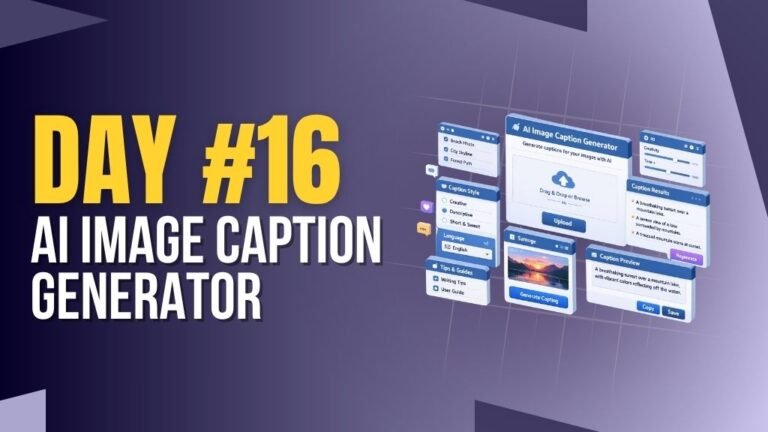
Day 16 : AI Image Caption Generator
Generates captions for images based on user input or preview.
Concepts: File handling, dynamic text output, UI updates.