
- Custom play and pause video controls
- Interactive progress bar for video seeking
- Volume adjustment slider
- Fullscreen viewing functionality
- Clean and responsive video player layout
- Built using HTML5 video API and JavaScript
- User-friendly interface for smooth video playback
Custom Video Player with HTML, CSS & JavaScript
40 DAYS 40 PROJECT CHALLENGE
Day #32
Project Overview
The Custom Video Player is a frontend media component developed using HTML, CSS, and JavaScript that replaces the default browser video controls with a fully customized interface. It allows users to control video playback through interactive elements such as play/pause buttons, a progress bar for seeking, volume adjustment, and fullscreen mode. This project demonstrates key frontend concepts including HTML5 video API usage, DOM event handling, and responsive UI design, making it a practical example of building custom media components for modern web applications.
Key Features
HTML Code
<!DOCTYPE html>
<html>
<head>
<meta charset="UTF-8">
<title>Custom Video Player</title>
<link rel="stylesheet" href="style.css">
</head>

<body>

<div class="video-container">

<video id="video">
<source src="https://www.w3schools.com/html/mov_bbb.mp4" type="video/mp4">
</video>

<div class="controls">

<button id="playBtn">Play</button>

<input type="range" id="progress" value="0">

<input type="range" id="volume" min="0" max="1" step="0.1" value="1">

<button id="fullscreen">Fullscreen</button>

</div>

</div>

<script src="script.js"></script>

</body>
</html>
CSS Code
*{
margin:0;
padding:0;
box-sizing:border-box;
font-family:Arial;
}

body{
background:#042354;
display:flex;
justify-content:center;
align-items:center;
height:100vh;
}

.video-container{
width:700px;
background:#000;
border-radius:10px;
overflow:hidden;
box-shadow:0 10px 30px rgba(0,0,0,0.3);
}

video{
width:100%;
display:block;
}

.controls{
display:flex;
align-items:center;
gap:10px;
padding:10px;
background:#111;
}

button{
padding:8px 12px;
border:none;
background:#2563eb;
color:white;
border-radius:4px;
cursor:pointer;
}

button:hover{
background:#1d4ed8;
}

input[type="range"]{
flex:1;
cursor:pointer;
}
Javascript Code
const video = document.getElementById("video")
const playBtn = document.getElementById("playBtn")
const progress = document.getElementById("progress")
const volume = document.getElementById("volume")
const fullscreen = document.getElementById("fullscreen")

// Play / Pause
playBtn.addEventListener("click", () => {

if(video.paused){
video.play()
playBtn.innerText = "Pause"
}else{
video.pause()
playBtn.innerText = "Play"
}

})

// Update progress bar
video.addEventListener("timeupdate", () => {

const percent = (video.currentTime / video.duration) * 100
progress.value = percent

})

// Seek video
progress.addEventListener("input", () => {

video.currentTime = (progress.value / 100) * video.duration

})

// Volume control
volume.addEventListener("input", () => {

video.volume = volume.value

})

// Fullscreen
fullscreen.addEventListener("click", () => {

video.requestFullscreen()

})
Subscribe
0 Comments
Oldest
Newest
Most Voted
Inline Feedbacks
View all comments
Related Projects
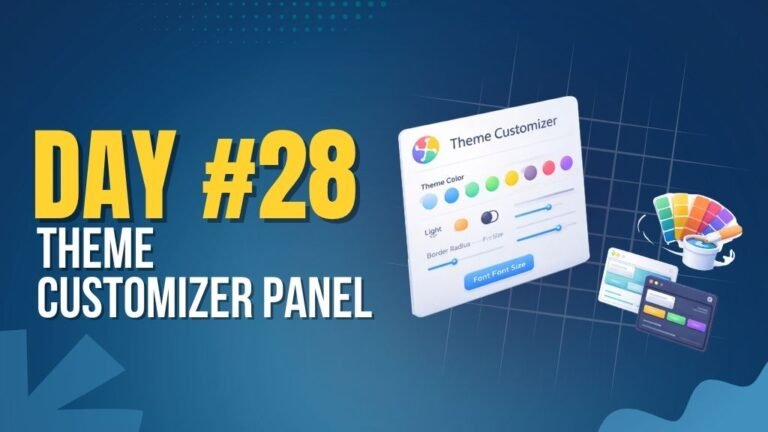
Day 28 : Theme Customizer Panel
Allows users to customize UI themes with real-time preview.
Concepts: CSS variables, state management, dynamic styling.
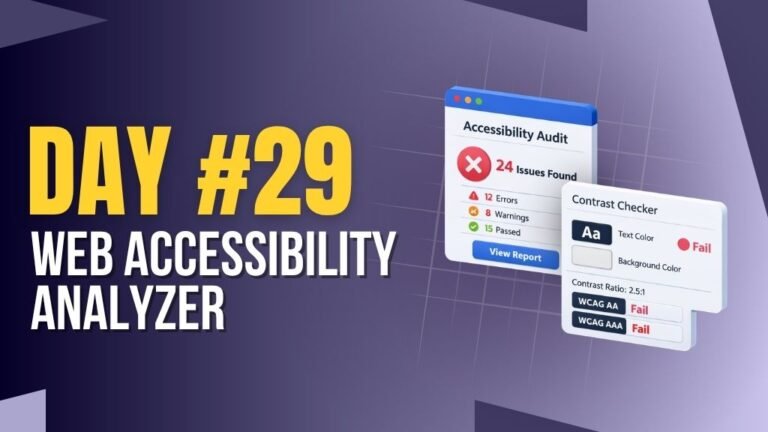
Day 29 : Web Accessibility Analyzer
Analyzes website accessibility and highlights improvement areas.
Concepts: DOM analysis, accessibility checks, UI feedback.
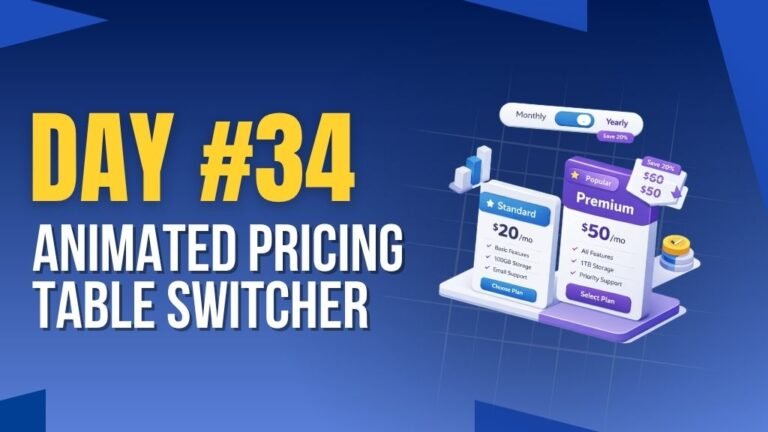
Day 34 : Animated Pricing Table Switcher
Switches pricing plans with smooth animations and toggle options.
Concepts: UI state management, animations, event handling.