Developer portfolio
Project Overview
Developer Portfolio Website is a single page design made for developers to to showcase a developer’s professional profile, projects, technical skills, and contact information. The site features a dark color scheme, neon-style colors and uses glowing and modern elements for the portfolio of developers.
The portfolio is best suited for developers, students for their personal use, freelancers, software engineers and other tech people looking to display their works. The portfolio page has an introduction, portfolio section, about, skills and contact sections. This way, visitors will be able to learn more about the owner of the portfolio, what work examples are available, determine their skill level and contact the maintainer.
The template also includes animated visual elements, project cards, technology badges, and responsive layouts. Users can customize the content with their own details, projects, skills, social links, and contact information.
Purpose of the Project
The purpose of this Developer Portfolio Website is to represent the developer’s skills, projects, technical background professionally in the online environment.
The key idea is to deliver the essential information concisely and clearly in one page so that the user can navigate the content and identify the main areas of expertise, projects, and technologies quickly. The other significant advantage of this website is the possibility to choose dark neon colors and make the portfolio look different from other similar portfolios. Moreover, the given design offers a convenient opportunity to build a personal portfolio with the specific interests in mind, considering career options and professional goals.
How the Website Works
Developer Portfolio Website is organized as a single-page application, allowing users to navigate the page by scrolling and learn more about the professional experience presented. The website consists of several key elements, each introducing specific details about the portfolio owner.
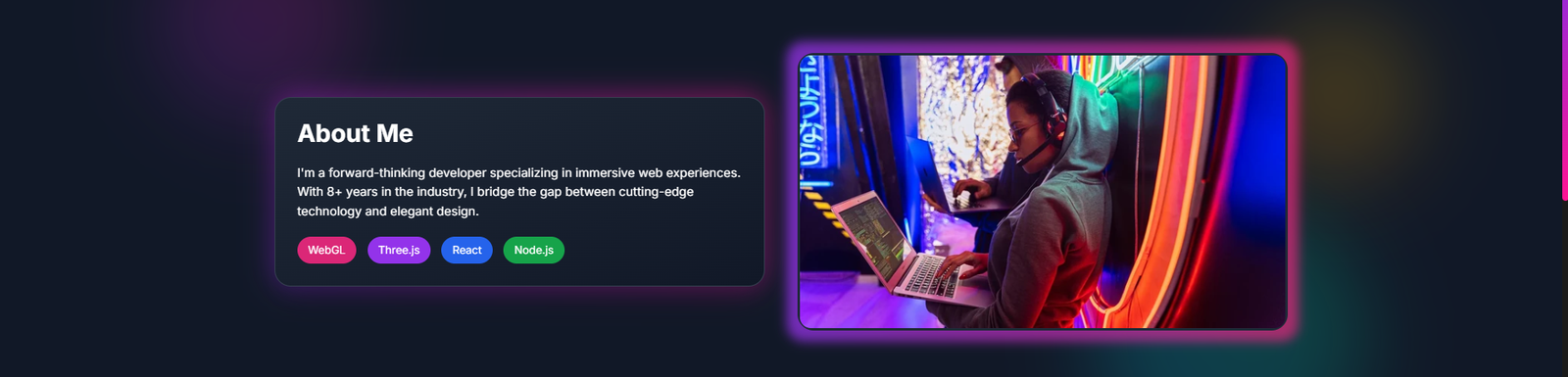
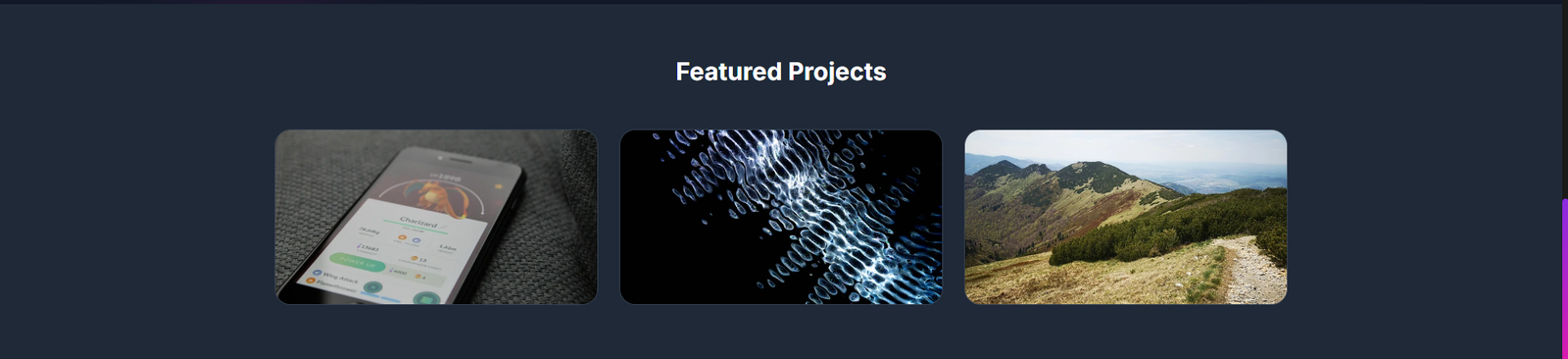
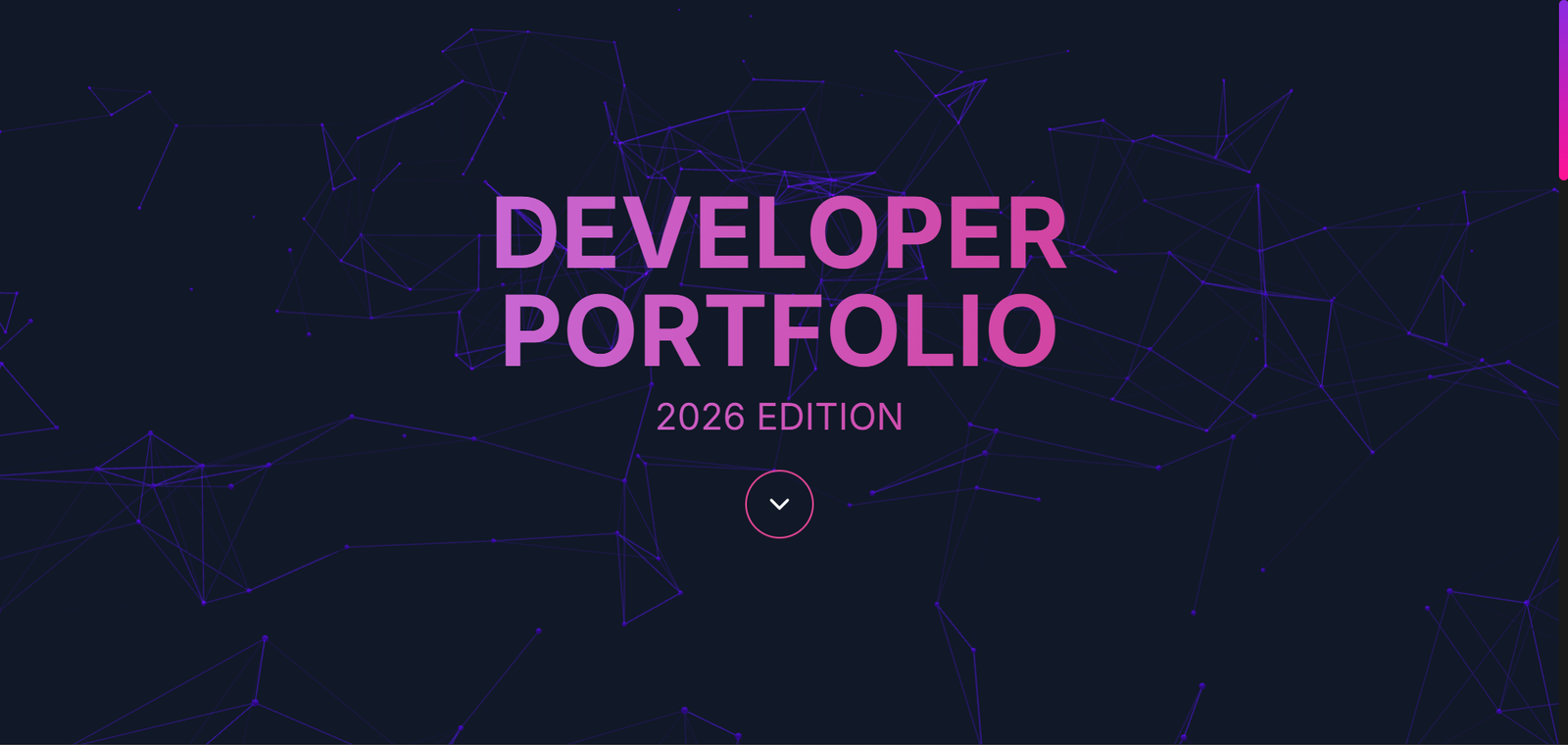
The top of the page contains a hero section, which foregrounds the website’s purpose. At the same time, the About Me section introduces the portfolio owner to the users visiting the homepage and provides the information about the technologies. After scrolling down, the visitors reach the Featured Projects section, where they can explore the most interesting works presented by the author of the portfolio. The cards allow users to obtain more information about each project and identify the area of expertise of the portfolio owner.
The Technical Skills section includes icons of the technologies used in the projects and detailed descriptions of each skill. Finally, the Contact Form is the last major part of the website. Users may fill in the necessary information identifying themselves and sending their message to the author, attaching their subject and email address. The website is responsive, remaining readable and visually appealing on different screen sizes.
Website Sections
The Developer Portfolio Website contains several sections that work together to create a complete professional portfolio. Each section can also be customized with information that matches the user’s own profile.
- Hero Section: A large “DEVELOPER PORTFOLIO” heading above the introduction and an eye-catching neon-like design dominate the Hero section. The user can personalize the intro by adding their professional title and other information.
- About Me: This section is dedicated to introducing the portfolio owner and contains all the basic information about the person. Additionally, you can add some interests to your portfolio using the technology badges.
- Featured Projects: This section contains the visual display of the user’s selected projects. Users can upload custom project images and enter the name of the project, its description, and some additional information.
- Technical Skills Section: This section presents technologies through dedicated displays cards with icons and descriptions that represent the technologies you know. You can edit the cards to emphasize your preferred programming languages, frameworks, technologies, or skills.
- Contact Section: The Contact section provides a simple form where visitors can send messages to the portfolio owner. You need to fill in your details so that people can contact you via Email, Name, Subject, and Message.
- Footer: The Footer section is the ending part of portfolio. You can customize it by adding your preferred copyrights or links.
Technologies Used
- HTML5: HTML5 is responsible for the basic structure of the Developer Portfolio Website and arranging such sections as Hero, About Me, Featured Projects, Technical Skills, Contact, and Footer.
- CSS3: CSS3 is used to design the website’s layout, introduce such elements as dark theme, neon colors, glowing, cards, spacing, typography, animation, and responsiveness.
- JavaScript: JavaScript is to make the page content functional and implement some additional features and animation if necessary.
Key Features
- Modern Dark Design: Developer Portfolio Website features a dark interface with neon accents and elements. Thus, it creates a unique technological atmosphere.
- Neon Visual Effects: The website uses glow effects, shadow projection, and bright accent elements. Thus, it creates an eye-catching interface and gives sections more volume.
- Developer-Focused Hero Section: The large hero section at the top of the page makes the portfolio a developer-facing website. This area can be customized with a headline and an introduction for the site’s owner.
- About Me Section: Visitors to the portfolio can view the About Me section to get to know the site’s owner. This area can be personalized by replacing the default text with the relevant information.
- Technology Badges: The About section also features technology badges that can be used to highlight the key skills. Thus, the website owner can put emphasis on the technologies they are comfortable with or use often.
- Featured Project Cards: The project gallery offers large visual cards for showcasing selected works. Users can replace the displayed projects with their own and images.
- Technical Skills Cards: The Skills section includes cards with icons and descriptions of technical skills that provide an organized presentation.
- Responsive Design: The website rearranges its design to fit the screen size of the device, enabling the viewer to navigate the gallery and other pages without obstructions.
- Easy Customization: Users can customize the website by replacing the given name, introduction, projects, technical skills, images, and contact details.
- Professional Presentation: The provided project cards, technical skills, personal data, contact section, and others offer a compelling presentation of a developer’s personal and professional skills.
Project Gallery