Mens-Clothing-E-Commerce Website
Project Overview
The Men’s Clothing E-Commerce Website is a clean and responsive online fashion store designed to showcase men’s clothing and accessories. The website provides a simple shopping experience where user can explore different product categories, browse products, check prices and ratings, and add items to their cart.
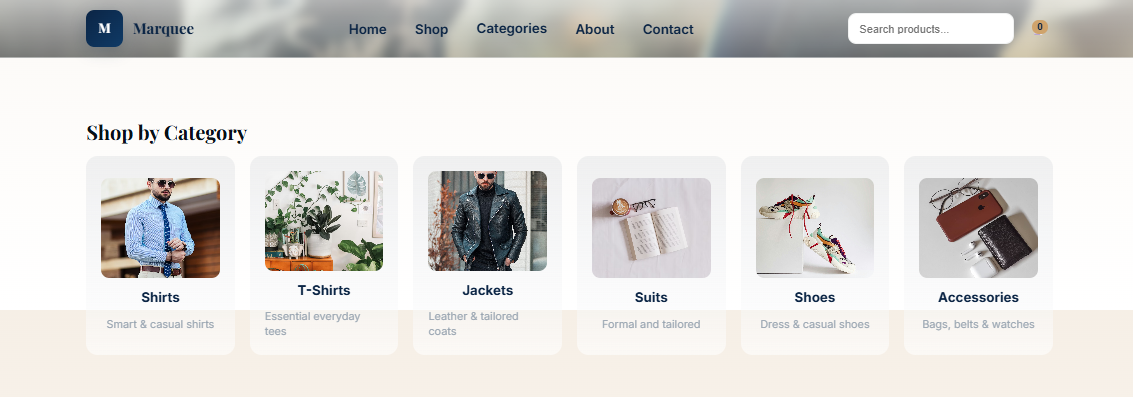
This E-Commerce Website features a large hero banner, category cards, a product grid, an About section, and a newsletter area. User can browse categories like Shirts, T‑Shirts, Jackets, Suits, Shoes and Accessories. The product section also gives filters so shoppers can locate items, by category order or cost. Its simple layout and smooth flow make it suitable for portfolios, small business showcases, or basic online store concepts.
Purpose of the Project
The purpose of this E-Commerce Website is to create an visually appealing online platform for showcasing men’s fashion products. The E-Commerce Website brings clothing categories and products together so users can browse the collection from one place. The project focuses on making product discovery simple. users can select a category browse products check product prices and ratings and use the available filters to narrow down the visitors choices.
The E-Commerce Website also shows how HTML, CSS and JavaScript can work together to build an online store interface. The project can be useful, for businesses, fashion brands, portfolio demos or developers who want to show their frontend e-commerce skills.
How the Website Works
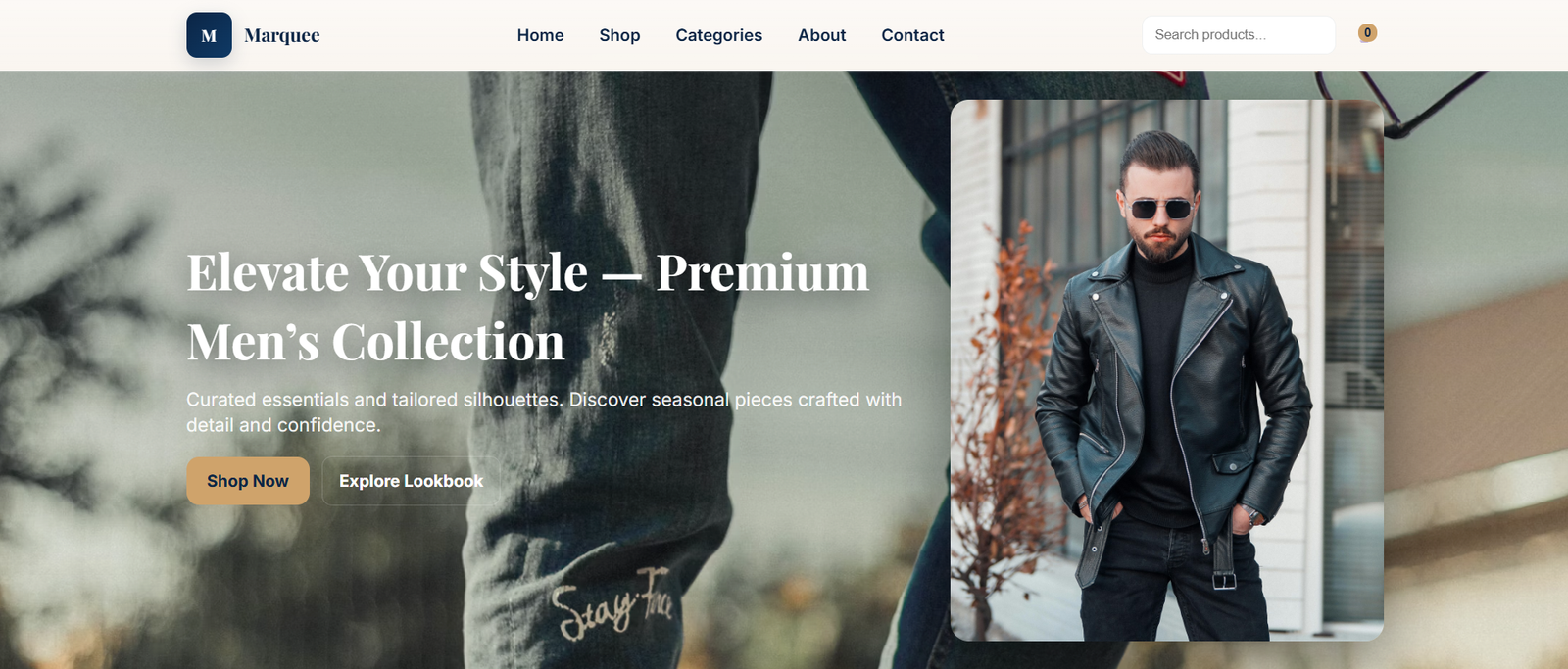
The E‑Commerce Website opens with a hero banner that shows the fashion collection and has action buttons for users. After that users can move through sections by using the website navigation. The category section lets users look at products that belong to kinds of men’s fashion. Categories include Shirts, T‑Shirts, Jackets, Suits, Shoes and Accessories. It’s easy to spot what user want when the category section is clear.
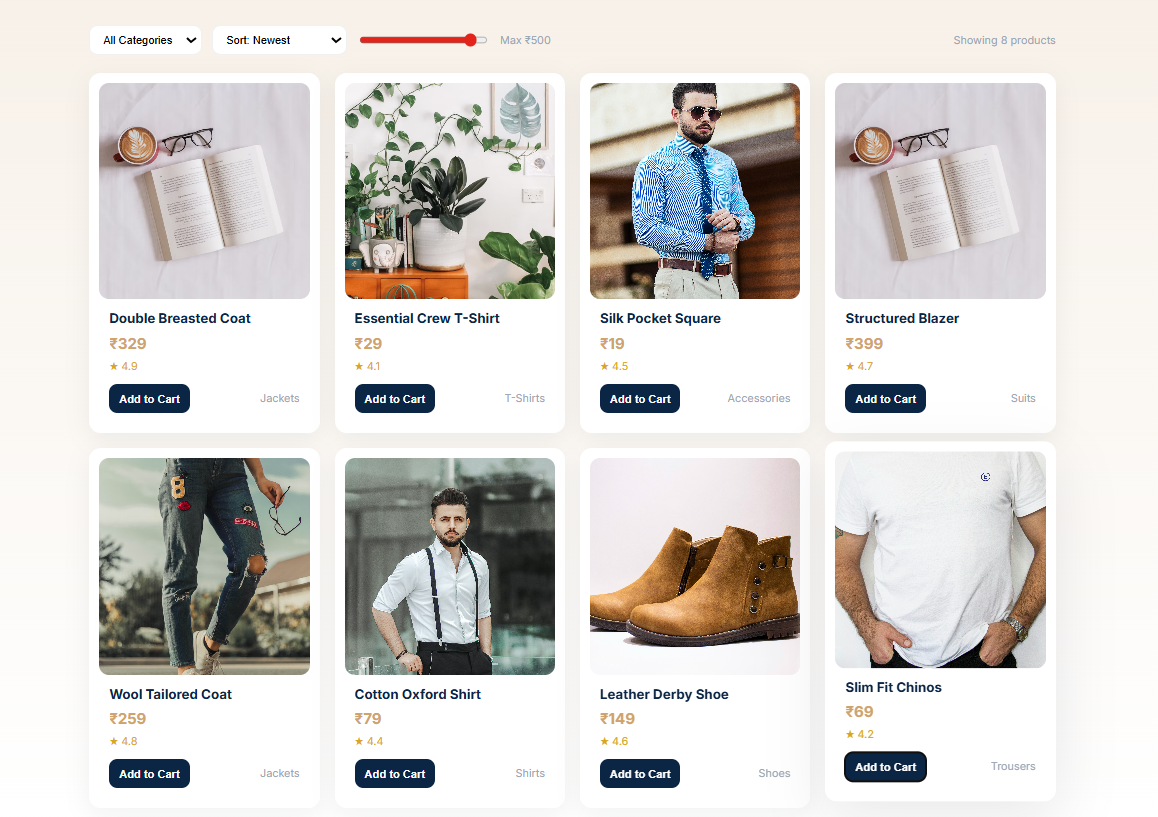
After that users can explore the product grid. Each product shows an image, a price, a rating and an Add to Cart button. The E‑Commerce Website also has filters that let users pick a category, sort products and slide the price range. In addition, the about section gives information, about the brand, newsletter area lets visitors choose to subscribe for updates. These parts together form an organized shopping experience.
Website Sections
- Hero Section: It creates the first impression of the E-Commerce Website with a large fashion banner, headline, and action buttons. This section also contains all the collections and encourages users to explore the products.
- Category Section: The Category Section displays men’s fashion categories such, as Shirts, T‑Shirts, Jackets, Suits, Shoes and Accessories. This Section allows users to use these categories to find products based on the interest of users.
- Product Section: The product grid shows all the fashion items you can buy. Each fashion item has an image, a price, a rating and an Add, to Cart button. This way you get all the fashion item details while you look through the collection.
- Product Filter Section: This section helps users find what they are looking for. The website includes category filters, a newest sorting option and a price slider to make finding products much easier.
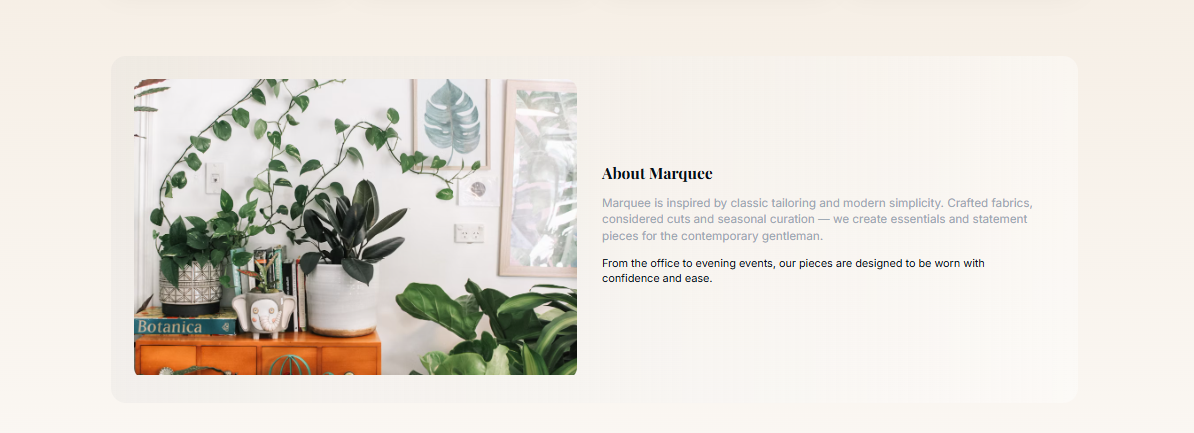
- About Section: The About section of this website shares a bit about the brand along with a nice image. This part helps users understand the fashion store and it’s identity.
- Newsletter Section: The newsletter section is where users can sign up for updates. This section gives the website a way to stay in touch with the audience.
- Footer Section: The footer holds links and other ways to move around the site. It provides links, for people after they finish looking at the main parts of the website.
Technologies Used
- HTML5: HTML5 creates the structure of the E-Commerce Website and organizes sections such as the hero banner, categories, product grid, About section, newsletter, and footer.
- CSS3: CSS3 controls the visual appearance of the website. It creates the responsive layout, rounded product cards, spacing, typography, subtle shadows, and other design elements that give the store its modern appearance.
- JavaScript: JavaScript adds interactive functionality to the website. It supports features such as product filtering, sorting, price selection, navigation, and other user interactions.
Key Features
- Responsive Design: The E-Commerce Website adapts to desktop, tablet, and mobile screen sizes, allowing users to browse the men’s fashion collection comfortably across different devices.
- Hero Banner: This website features a large hero banner with a headline and action buttons. The hero banner helps users see the fashion collection away.
- Product Categories: Users can look through product categories, like Shirts, T-Shirts, Jackets, Suits, Shoes and Accessories. Having these product categories makes it simple to find the thing you want to buy.
- Product Grid: The Product Grid shows fashion items, with images, prices, ratings and Add to Cart buttons. Product Grid shows users the information they need while browsing.
- Product Filters: The Product Filters provide category filtering, newest sorting and a price slider. Product Filters help users narrow down the product collection according to their preferences.
- Add to Cart: Every product has an Add to Cart option that lets users Add to Cart items easily while looking through the collection.
- Modern UI: The website uses cards, gentle shadows, clear fonts and tidy spacing to make a polished and easy to browse shopping interface.
- About Section: Users can learn more about the brand through the dedicated About section, which combines a short description with a visual element.
- Newsletter Subscription: The newsletter area of this website offers users a method to sign up. Newsletter Subscription keeps users connected with the website.
- Social Links: The footer includes social links that provide users with additional ways to connect with the brand.
Project Gallery