
- AI-powered chatbot responses
- Floating chatbot widget for websites
- Real-time AI conversation
- Responsive chat interface
- Send messages using Enter key
- Dynamic chat bubble UI
- AI API integration
- Modern widget-style design
AI Chatbot Widget for Website with HTML, CSS & JavaScript
40 DAYS 40 PROJECT CHALLENGE
Day #20
Project Overview
The AI Chatbot Widget for Website is an AI-powered chat interface that can be embedded into any website to interact with visitors. Users can ask questions in the chat widget, and the system sends the message to an AI model which generates intelligent responses. This project demonstrates AI API integration, real-time messaging UI, asynchronous requests, and dynamic DOM updates, making it a strong portfolio project for AI-powered web tools.
Key Features
HTML Code
<!DOCTYPE html>
<html>
<head>
<meta charset="UTF-8">
<title>AI Chatbot Widget</title>
<link rel="stylesheet" href="style.css">
</head>

<body>

<div class="chat-widget">

<div class="chat-header">
AI Assistant
</div>

<div class="chat-body" id="chatBody">
<div class="bot-message">Hello 👋 How can I help you?</div>
</div>

<div class="chat-input">
<input id="userInput" placeholder="Type a message...">
<button onclick="sendMessage()">Send</button>
</div>

</div>

<script src="script.js"></script>

</body>
</html>
CSS Code
*{
margin:0;
padding:0;
box-sizing:border-box;
font-family:Arial;
}

body{
background:#042354;
height:100vh;
display:flex;
justify-content:center;
align-items:center;
}

.chat-widget{
width:320px;
background:white;
border-radius:10px;
box-shadow:0 10px 30px rgba(0,0,0,0.2);
display:flex;
flex-direction:column;
overflow:hidden;
}

.chat-header{
background:#2563eb;
color:white;
padding:12px;
font-weight:bold;
text-align:center;
}

.chat-body{
height:300px;
overflow-y:auto;
padding:10px;
background:#f1f5f9;
}

.bot-message{
background:#e2e8f0;
padding:8px;
border-radius:6px;
margin-bottom:8px;
}

.user-message{
background:#2563eb;
color:white;
padding:8px;
border-radius:6px;
margin-bottom:8px;
text-align:right;
}

.chat-input{
display:flex;
border-top:1px solid #ddd;
}

.chat-input input{
flex:1;
padding:10px;
border:none;
outline:none;
}

.chat-input button{
background:#2563eb;
color:white;
border:none;
padding:10px;
cursor:pointer;
}
Javascript Code
async function sendMessage(){

const input = document.getElementById("userInput")
const chatBody = document.getElementById("chatBody")

const message = input.value

if(message.trim() === "") return

chatBody.innerHTML += `<div class="user-message">${message}</div>`

input.value = ""

chatBody.innerHTML += `<div class="bot-message">Typing...</div>`

const response = await fetch("https://openrouter.ai/api/v1/chat/completions",{

method:"POST",

headers:{
"Content-Type":"application/json",
"Authorization":"Bearer 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"
},

body:JSON.stringify({

model:"openai/gpt-4o-mini",

messages:[
{
role:"user",
content: message
}
]

})

})

const data = await response.json()

const reply = data.choices[0].message.content

const messages = chatBody.querySelectorAll(".bot-message")
messages[messages.length-1].innerText = reply

chatBody.scrollTop = chatBody.scrollHeight

}

document.getElementById("userInput").addEventListener("keypress",function(e){

if(e.key === "Enter"){
sendMessage()
}

})
Subscribe
0 Comments
Oldest
Newest
Most Voted
Inline Feedbacks
View all comments
Related Projects

Day 17 : AI Study Planner Generator
Creates a personalized study plan based on user goals and time.
Concepts: Form handling, data structuring, dynamic UI rendering.
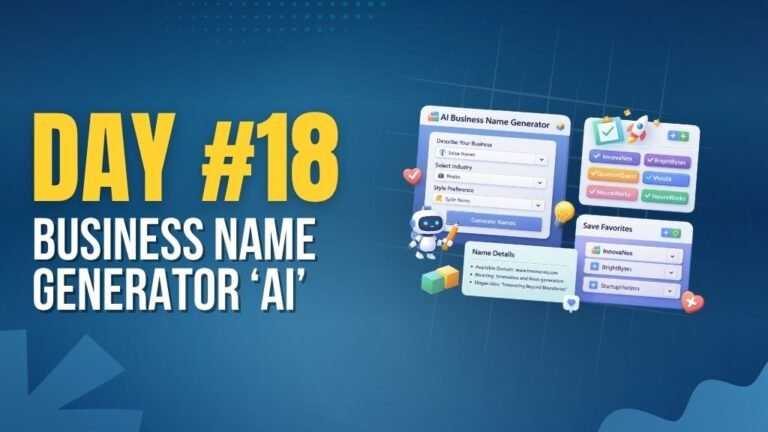
Day 18 : AI Business Name Generator
Generates creative business names based on keywords and category.
Concepts: String manipulation, dynamic generation, UI interaction.

Day 22 : Sales Dashboard with Charts
Displays sales data with charts and key performance metrics.
Concepts: Data visualization, chart libraries, dynamic UI updates.