40 Projects in 40 Days – Master Frontend Development with Real Projects

Build 40 practical projects using HTML, CSS, and JavaScript while sharpening your coding logic, UI skills, and real-world problem-solving abilities step by step.

Day 1 : Admin Dashboard UI

User signup and login system with validated credentials and a clean UI.

Concepts: DOM manipulation, form validation, LocalStorage.

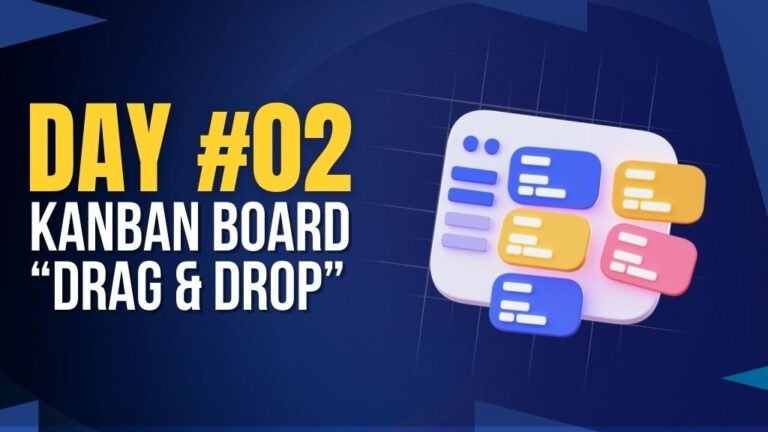
Day 2 : Kanban Board (Drag & Drop) 

A drag-and-drop task board to manage tasks across different stages.

Concepts: DOM manipulation, drag & drop API, event handling.

Day 3 : E-commerce Product Page

Generates an OTP via alert and verifies it through a popup-based input UI.

Concepts: DOM manipulation, modal UI, random OTP generation, input handling.

Day 4 : Invoice Generator

Creates invoices dynamically with item details and real-time total calculation.

Concepts: DOM manipulation, form handling, calculations, data rendering.

Day 5 : Chat UI (Frontend Only)

A simple chat interface with message sending and display functionality.

Concepts: DOM manipulation, event handling, dynamic UI updates.

Day 6 : File Upload Progress Bar

File upload interface with a visual progress bar and smooth animation.

Concepts: File API, progress tracking, animations, event handling.

Day 7 : Survey / Poll App

Switches content dynamically using a tab-based navigation UI.

Concepts: DOM manipulation, event handling, UI state management.

Day 8 : Resume Builder

Interactive resume builder with live preview and editable sections.

Concepts: User input handling, dynamic rendering, state management.

Day 9 : URL Shortener (Frontend)

Shortens URLs with copy functionality and instant user feedback.

Concepts: DOM manipulation, API handling (mock), clipboard API.

Day 10 : Portfolio Website Builder

Displays animated skeleton loaders while content is loading.

Concepts: Loading states, animations, UI placeholders.

Day 11 : AI Resume Skill Analyzer

Generates a user profile card dynamically from form inputs.

Concepts: Form handling, dynamic UI generation, data mapping.

Day 12 : AI Cover Letter Generator UI

Interactive comment/input system with real-time display updates.

Concepts: DOM manipulation, event handling, dynamic content updates.

Day 13 : AI Blog Title Generator

Generates engaging blog titles based on user input keywords.

Concepts: User input handling, dynamic text generation, UI updates.

Day 14 : AI Code Explainer UI

Displays explanations for code snippets with a clean preview interface.

Concepts: Input handling, dynamic rendering, formatted output display.

Day 15 : AI Interview Question Generator

Generates interview questions based on selected role or topic.

Concepts: Form handling, dynamic content generation, UI feedback.

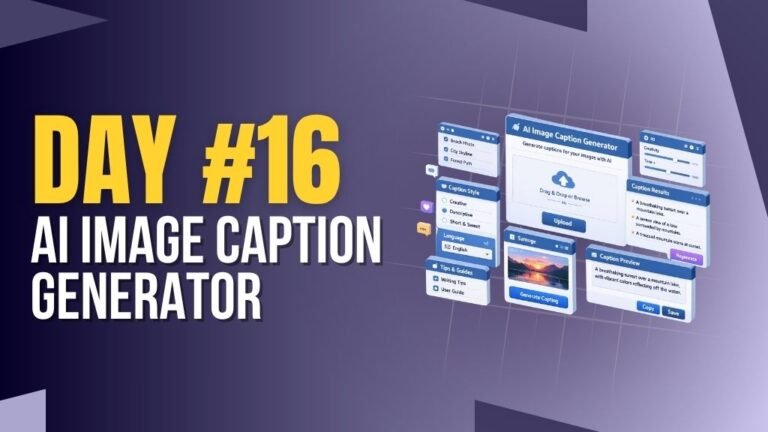
Day 16 : AI Image Caption Generator

Generates captions for images based on user input or preview.

Concepts: File handling, dynamic text output, UI updates.

Day 17 : AI Study Planner Generator

Creates a personalized study plan based on user goals and time.

Concepts: Form handling, data structuring, dynamic UI rendering.

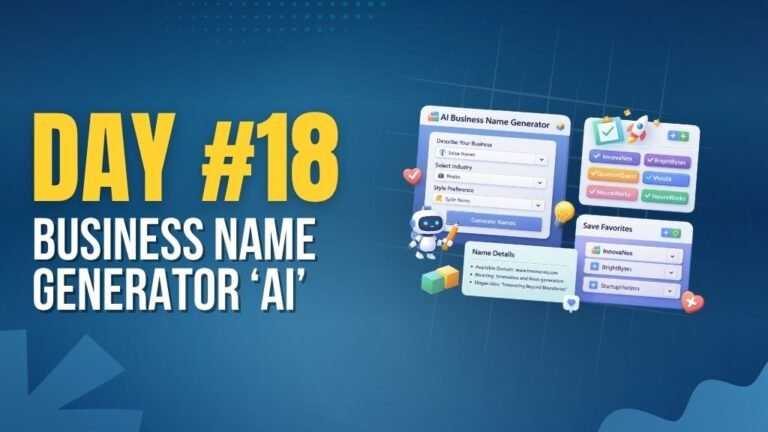
Day 18 : AI Business Name Generator

Generates creative business names based on keywords and category.

Concepts: String manipulation, dynamic generation, UI interaction.

Day 19 : AI Content Summarizer

Summarizes long text into concise and readable content instantly.

Concepts: Text processing, input handling, dynamic content rendering.

Day 20 : AI Chatbot Widget for Website

Interactive chatbot UI for handling user queries in real-time.

Concepts: Event handling, dynamic responses, UI interaction.

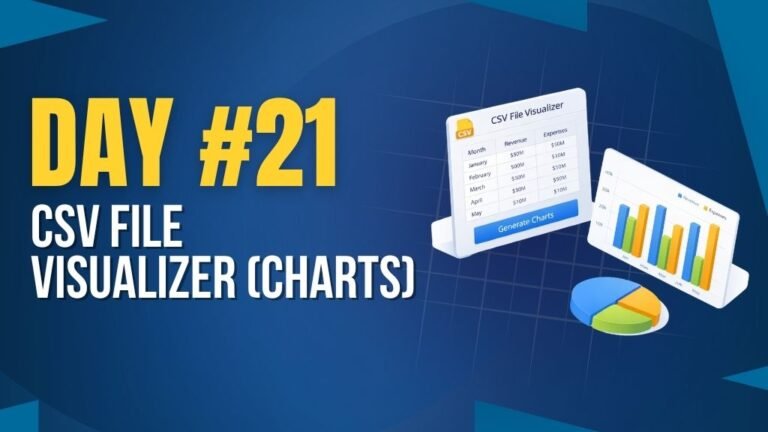
Day 21 : CSV File Visualizer (Charts)

Uploads CSV files and displays data using interactive charts.

Concepts: File handling, data parsing, chart rendering.

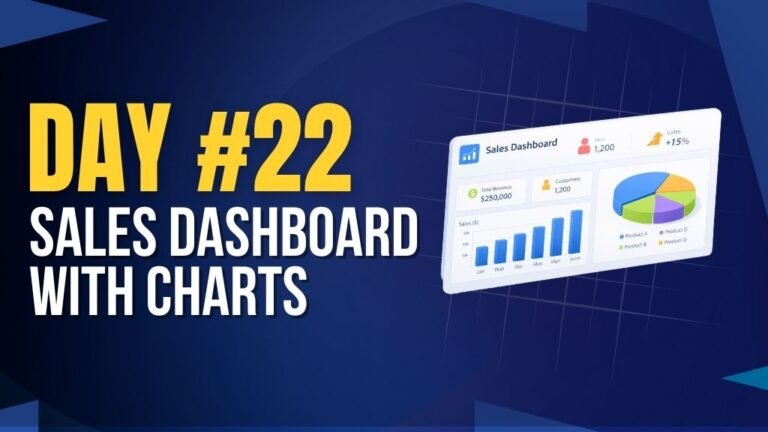
Day 22 : Sales Dashboard with Charts

Displays sales data with charts and key performance metrics.

Concepts: Data visualization, chart libraries, dynamic UI updates.

Day 23 : User Activity Heatmap

Visualizes user activity data using a heatmap layout.

Concepts: Data mapping, grid layout, visual representation.

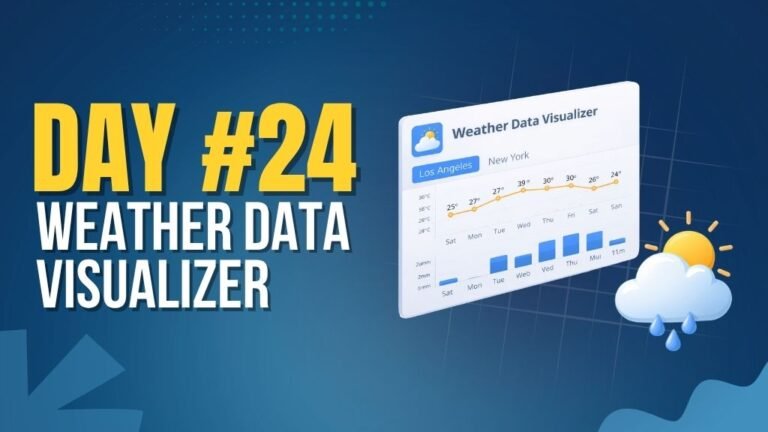
Day 24 : Weather Data Visualizer

Shows real-time weather data based on user location or input.

Concepts: API integration, async data handling, dynamic UI rendering.

Day 25 : Expense Analytics Dashboard

Tracks and visualizes expenses with charts and category breakdowns.

Concepts: Data visualization, state management, dynamic rendering.

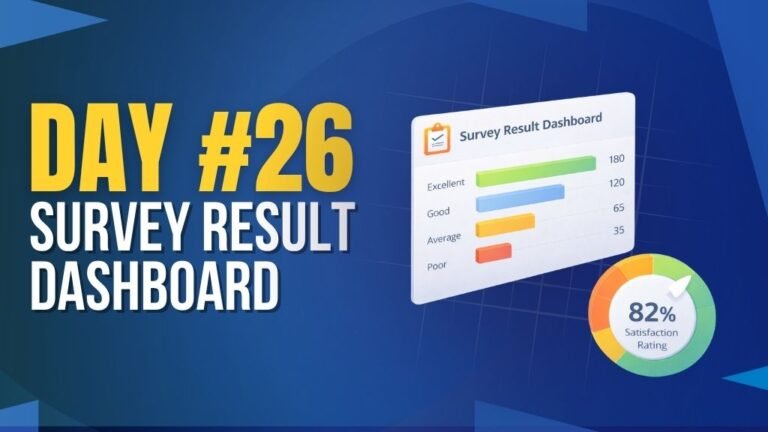
Day 26 : Survey Result Dashboard

Displays survey responses with charts and summarized insights.

Concepts: Data aggregation, chart rendering, dynamic UI updates.

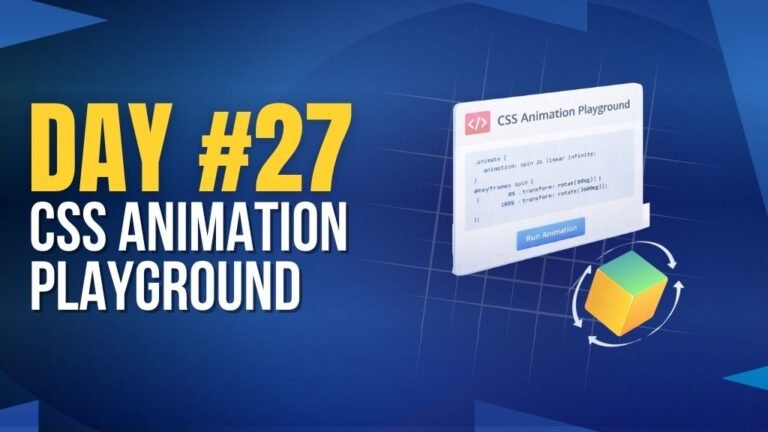
Day 27 : CSS Animation Playground

Interactive playground to explore and test different CSS animations.

Concepts: CSS animations, transitions, UI interaction.

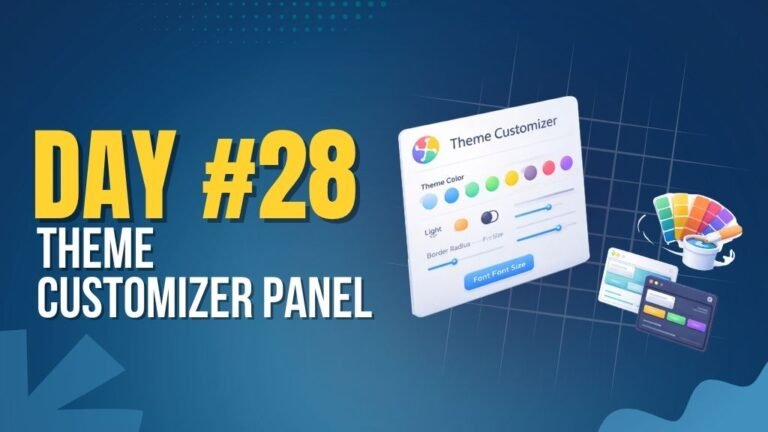
Day 28 : Theme Customizer Panel

Allows users to customize UI themes with real-time preview.

Concepts: CSS variables, state management, dynamic styling.

Day 29 : Web Accessibility Analyzer

Analyzes website accessibility and highlights improvement areas.

Concepts: DOM analysis, accessibility checks, UI feedback.

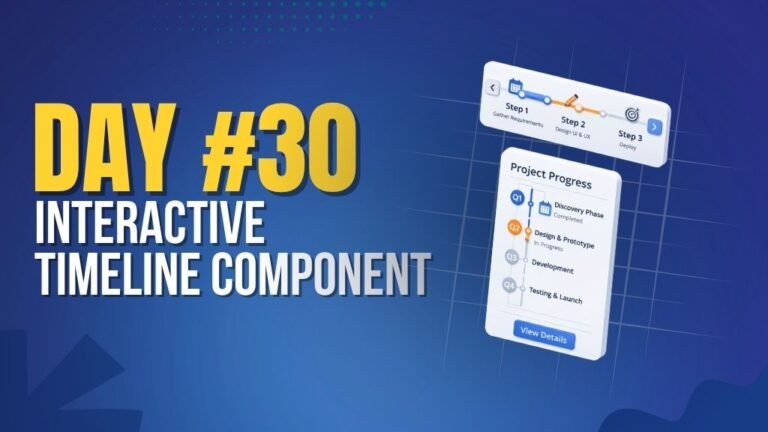
Day 30 : Interactive Timeline Component

Displays events in a timeline layout with interactive navigation.

Concepts: UI layout, animations, dynamic content rendering.

Day 31 : 3D Card Hover Effect Gallery

Interactive card gallery with smooth 3D hover animations.

Concepts: CSS transforms, hover effects, animations.

Day 32 : Custom Video Player

Custom-built video player with controls like play, pause, and progress.

Concepts: Media API, event handling, custom controls UI.

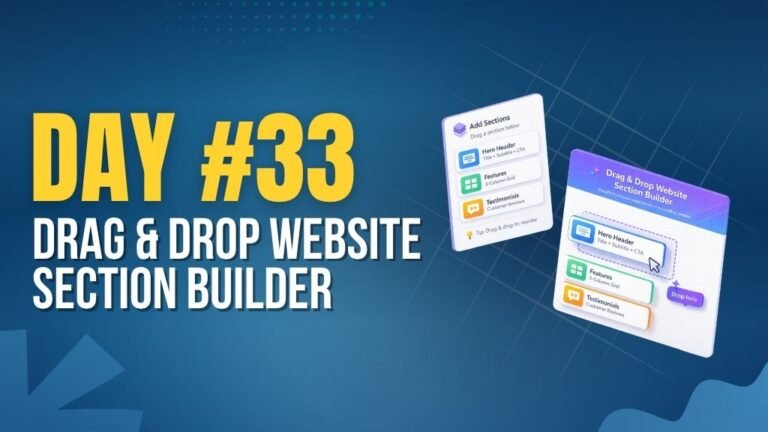
Day 33 : Drag & Drop Website Section Builder

Builds webpage sections using drag-and-drop components.

Concepts: Drag & drop API, dynamic layout, DOM manipulation.

Day 34 : Animated Pricing Table Switcher

Switches pricing plans with smooth animations and toggle options.

Concepts: UI state management, animations, event handling.

Day 35 : Live Markdown Editor

Real-time markdown editor with instant preview rendering.

Concepts: Text parsing, live preview, dynamic rendering.

Day 36 : Password Strength Visual Meter

Displays password strength with visual indicators and feedback.

Concepts: Input validation, regex, dynamic UI updates.

Day 37 : Time Zone Converter

Converts time between different time zones instantly.

Concepts: Date & time handling, user input, dynamic updates.

Day 38 : Internet Speed Test UI

Simulates internet speed with a dynamic speedometer interface.

Concepts: Animations, timers, dynamic data simulation.

Day 39 : PDF Merger UI (Frontend Simulation)

Merges multiple PDF files in a simulated frontend interface.

Concepts: File handling, UI simulation, event handling.

Day 40 : Meeting Scheduler UI with Calendar Picker

Schedules meetings with date and time selection using a calendar UI.

Concepts: Date picker integration, form handling, UI interaction.